
I am the worlds biggest advocate for creating an annual vision board. Why?
BECAUSE THEY ACTUALLY WORK.
I have been creating vision boards for as long as I can remember and while some people don't believe in them - I firmly do. Why? Because if you make a vision board and do it correctly, you actually turn your dreams into your reality.
Isn't that what we all want?
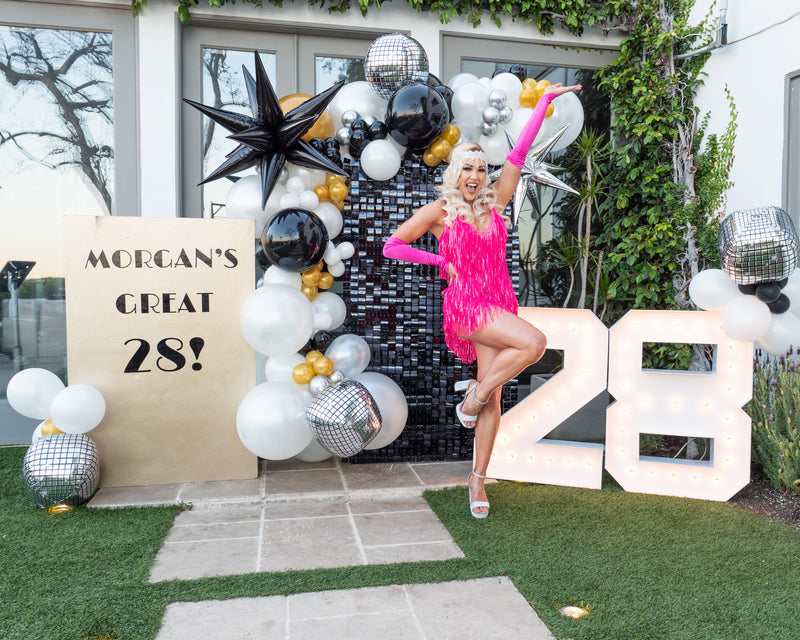
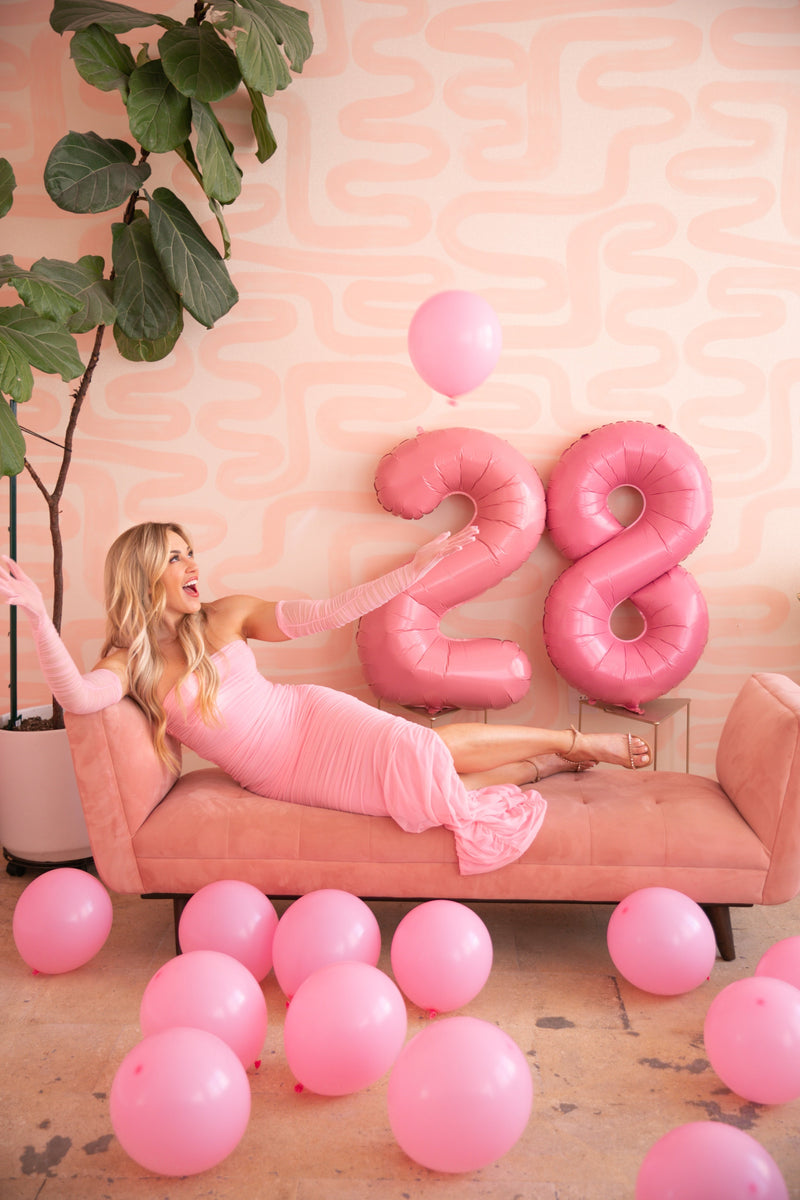
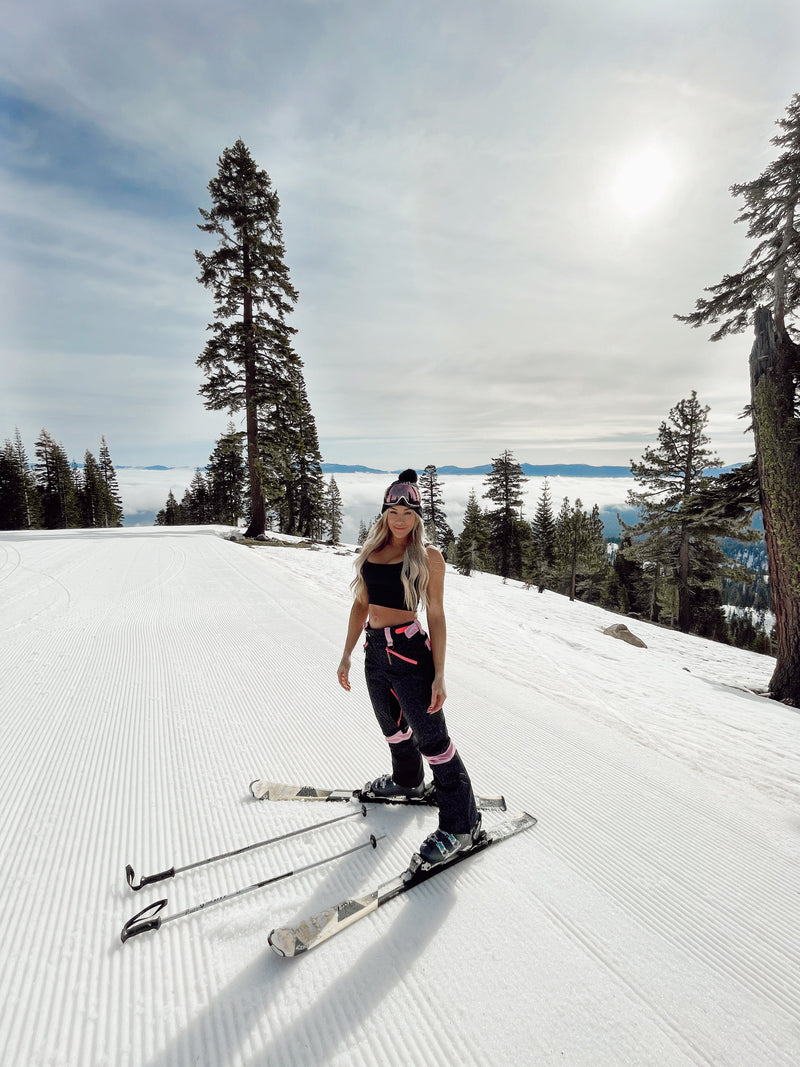
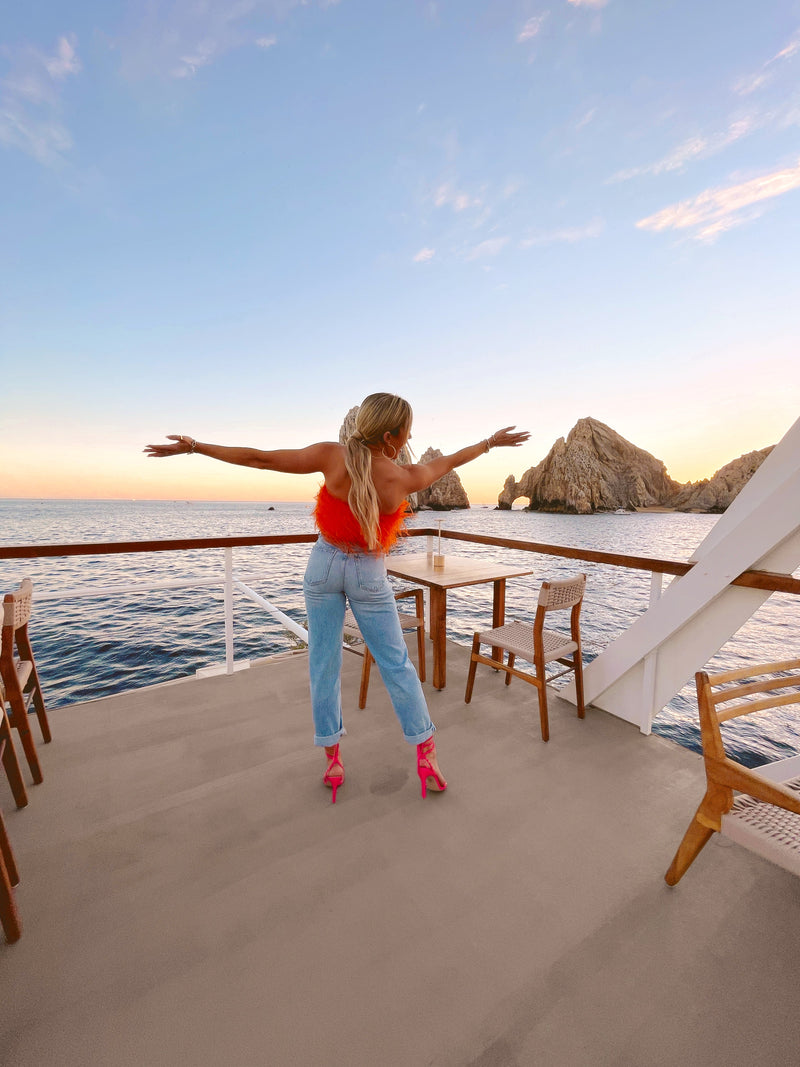
Here's some of mine from the past to give you some inspo:


From very general goals like owning an apartment in Lisbon, traveling to crazy destinations and increasing my income every single year... to insanely niche desires like owning a pair of YSL heels, attending Coachella with a brand and securing tickets to Tomorrowland... all were on my vision board. All became my reality.
Now this blog post isn't for me to just brag about what I accomplished. Gross. This is a blog post to help YOU create your own vision board that ACTUALLY WORKS.
I am not going to tell you to make this a fun girls night with some arts and crafts and a finished product that you stash under your bed, forgetting about for the rest of the year.
I am going to tell you exactly what I do and break down step by step how to do it.
First, you are going to make a vision board for both your PHONE and your COMPUTER background.
Did you know that studies show that people check their phone up to 50 to 150 times daily?
Putting a vision board as your phone background isn’t magic, but there is real psychology behind why it can influence motivation and behavior.
Here’s the science in simple terms (per my extensive research):
1. Priming (What You See Shapes What You Do)
Your brain is constantly picking up cues from your environment.
-
Seeing certain images regularly primes your brain to think in related ways.
-
Example: If your background shows studying, fitness, or creative goals, your brain becomes more likely to notice opportunities related to those goals.
This happens automatically, without you trying.
2. Reticular Activating System (RAS)
The RAS is a filter in your brain that decides what’s important to pay attention to.
-
When you repeatedly see your goals, your brain starts tagging them as “important.”
-
This makes you more likely to notice:
-
chances to practice
-
helpful people
-
reminders to take action
-
It’s not that opportunities suddenly appear - you just notice them more.
3. Identity-Based Motivation
Behavior sticks better when it matches how you see yourself.
-
A vision board can reinforce an identity like:
-
“I’m someone who studies consistently”
-
“I’m an athlete”
-
“I’m a creative person”
-
-
When actions match identity, your brain experiences less resistance.
If you got lost reading this, essentially what I am saying is...
CREATE A DIGITAL VISION BOARD.
PUT IT AS YOUR PHONE BACKGROUND.
THE MORE YOU LOOK AT IT, THE MORE YOU WILL START TO MAKE YOUR DREAMS YOUR REALITY.
I tend to put my vision board as my phone background and I don't even actively think about it until the end of the year. But because it is my phone and computer background, I am looking at it all the time (without thinking) and subconsciously making little moves to create my dream life without even realizing it. By the end of the year, I look at my vision board and I am always blown away. Like, I did what? and how?!
So here is how you are going to do it for yourself! My fool proof method to creating a digital vision board that actually works.
Part 1 - The psychology first (so it’s not just pretty)
Step 1: Pick a “North Star” feeling, phrase or word. AKA this is where I implement my "word of the year" that I choose every year.
Instead of “I want more,” choose a word or a phrase that will be your guiding light for the year. Some examples I have chosen in the past: Yes, Trust, Journey and Fearless.
Write it at the top of a Notes app page or in a journal if you want to be old school. This becomes your filter for what makes it on the board! Think of it as just a place to START.
Step 2: Choose 5-7 life categories (don’t overwhelm yourself and do 20) and create a list you can brainstorm under.
Use buckets so your board isn’t chaotic. Here are some of my favorites:
-
Health + Body
-
Love + Friendships
-
Home + Environment
-
Career + Money
-
Travel + Lifestyle
-
Self-concept (confidence/identity)
-
Spirituality/Peace
Step 3: In each category, turn vague desires into “evidence statements”
Under all of those categories you just created, write out what you want but include what all those desires also LOOK LIKE.
These are specific “this is what it looks like when it’s true” lines.
-
Vague: “I want an apartment in Lisbon”
-
Evidence: “I want to get a loan, I want to look at as many apartment viewings as I can, I want to set myself up financially to be in a place where I am comfortable, I want to be drinking coffee on my own balcony while watching the sunset in Lisbon, I want to have a beautiful gallery wall to look at and call mine"
Do 2–3 evidence statements per category. You feel me?
Step 4: Pick a couple “keystone habits” that make everything easier to accomplish your goals and desires.
Sticking with each category, keep on making your list and brainstorming more. List out keystone habits that you can actually stick with.
Examples:
-
10k steps + strength 3x/week
-
Weekly money date to sit down at a coffee shop and review your spending
-
Sunday reset, deep clean and technology free
-
Morning sunlight + water + walk
Step 5: Add process images (not just outcomes)
Starting thinking about and listing what photos you may use.
The images you choose for your vision board need to be specific and they don't need to make sense to anyone but you! Example:
Outcome: a bikini body.
Process: gym fit, protein meal, Pilates class screenshot, walking trail.
This matters because your brain can act on process.
Part 2 - The fun part! Find the right photos on Pinterest
Step 6: Create a Pinterest board JUST for your vision board.
Name it something specific:
-
“2026 Vision Board - Intentional & Abundant”
Make sections for your categories.
Step 7: Use search phrases that match your evidence statements and everything you brainstormed above!
Instead of some thing very basic and broad like “travel,” search:
-
“solo female travel aesthetic Europe”
-
“morning routine wellness minimal”
-
“quiet luxury neutral wardrobe”
-
“pilates girl lifestyle”
-
“dream home warm modern organic”
-
“female entrepreneur work setup”
-
“healthy high protein meals aesthetic”
-
“friendship dinner party aesthetic”
PRO TIP: I have found if you type "aesthetic" after any search on Pinterest, you will get the vibiest images for your collage!
Step 8: Choose images that trigger emotion + action. Be smart about your visuals!
Your best vision images do 2 things:
-
make you feel something immediately or remember your goal
-
make you think “I would do ___ to be her.”
Step 9: Keep it cohesive and fun
Aim for one visual vibe (if you are me... it's colorful and fun. Just like I want my life to be!)
-
neutral / coastal / bold color / dark feminine / etc.
Your brain reads it as one life, not random goals.
Step 10: You'll want to save 30–60 images total
Then narrow to 12-25 images for the final board.
I like to to choose one image for each desire, goal, accomplishment I list out under each of my 5-7 categories.